WhatsBuddy
WhatsApp the whole team can run
AI takes the first reply. Your people only see the chats that need a human — on the number customers already use.
AI takes the first reply
Routine questions never sit in a shared inbox waiting for whoever is free.
Humans jump in when it matters
A “Needs you” flag, not a wall of unread green bubbles.
One number, many roles
Sales, support, and bookings can each have an agent — same WhatsApp.
Managers stay in the loop
See what the AI handled overnight without reading every thread.
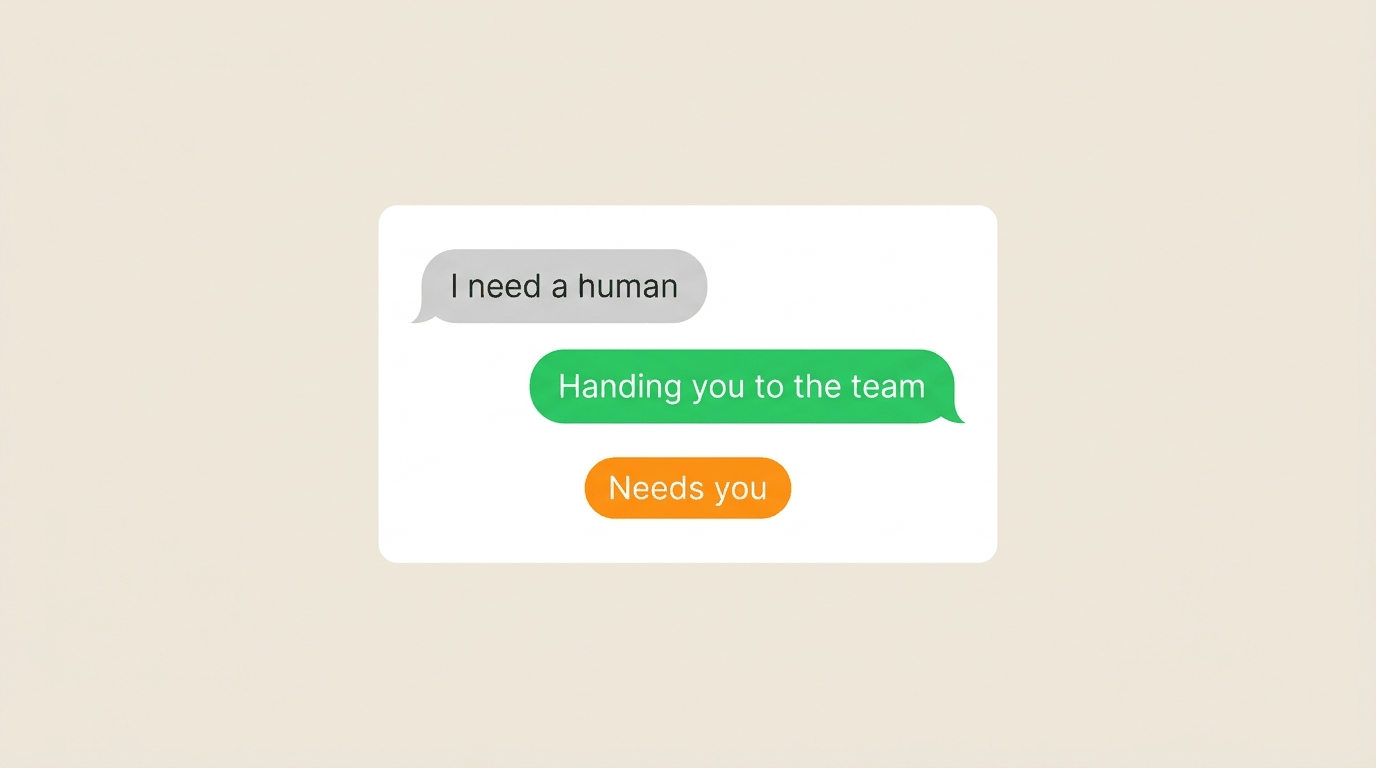
Handoff
The AI knows when to get a human
Customers can ask for a person. Agents can escalate. Your team only sees the chats that need a brain, not a script.
- “Needs you” on the threads that stalled
- Jump in without the customer changing numbers
- AI keeps going on everything else
Agents
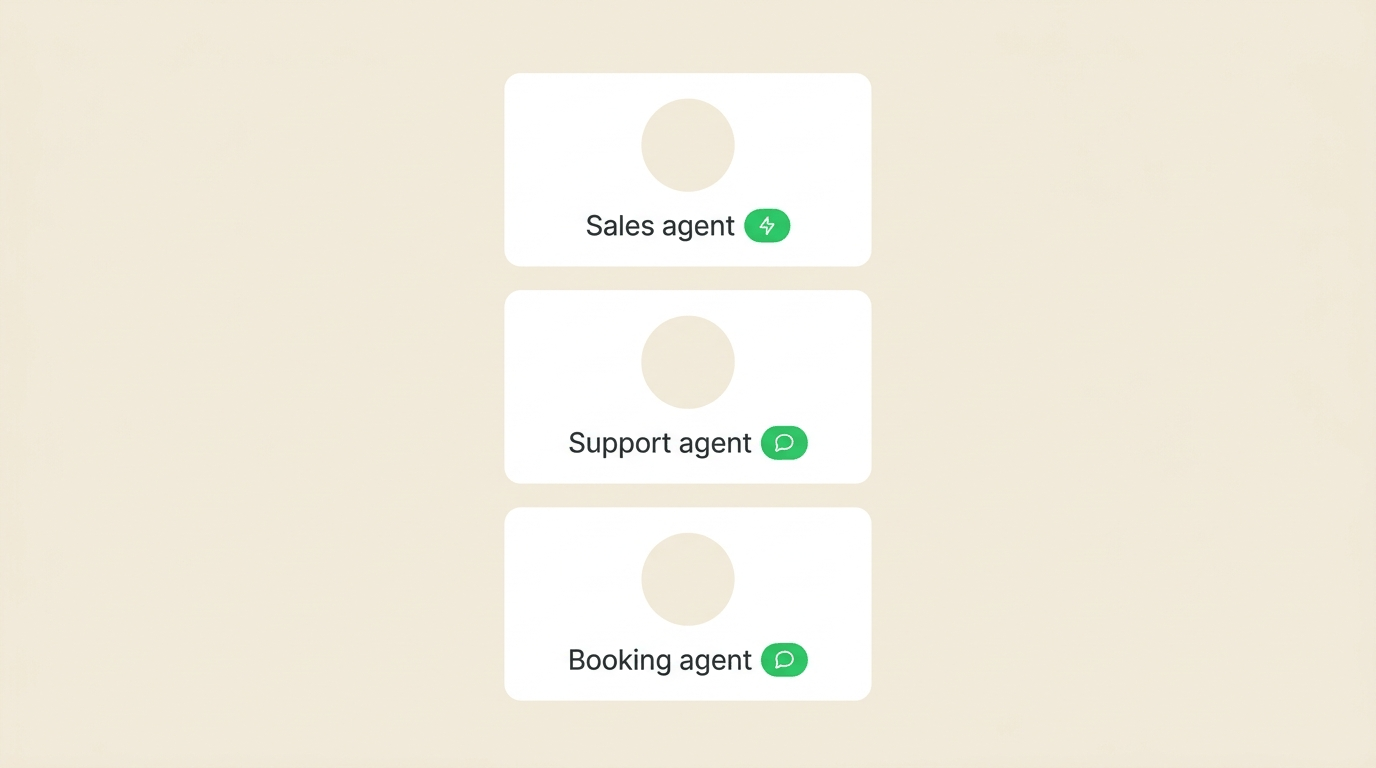
Different agents for different jobs
A booking agent is not a complaints agent. Split the work the way you split the team — without extra WhatsApp accounts.
- Sales, support, and booking personalities
- Assign by chat, label, or bundle
- Change the prompt without retraining a call centre
Shared inbox
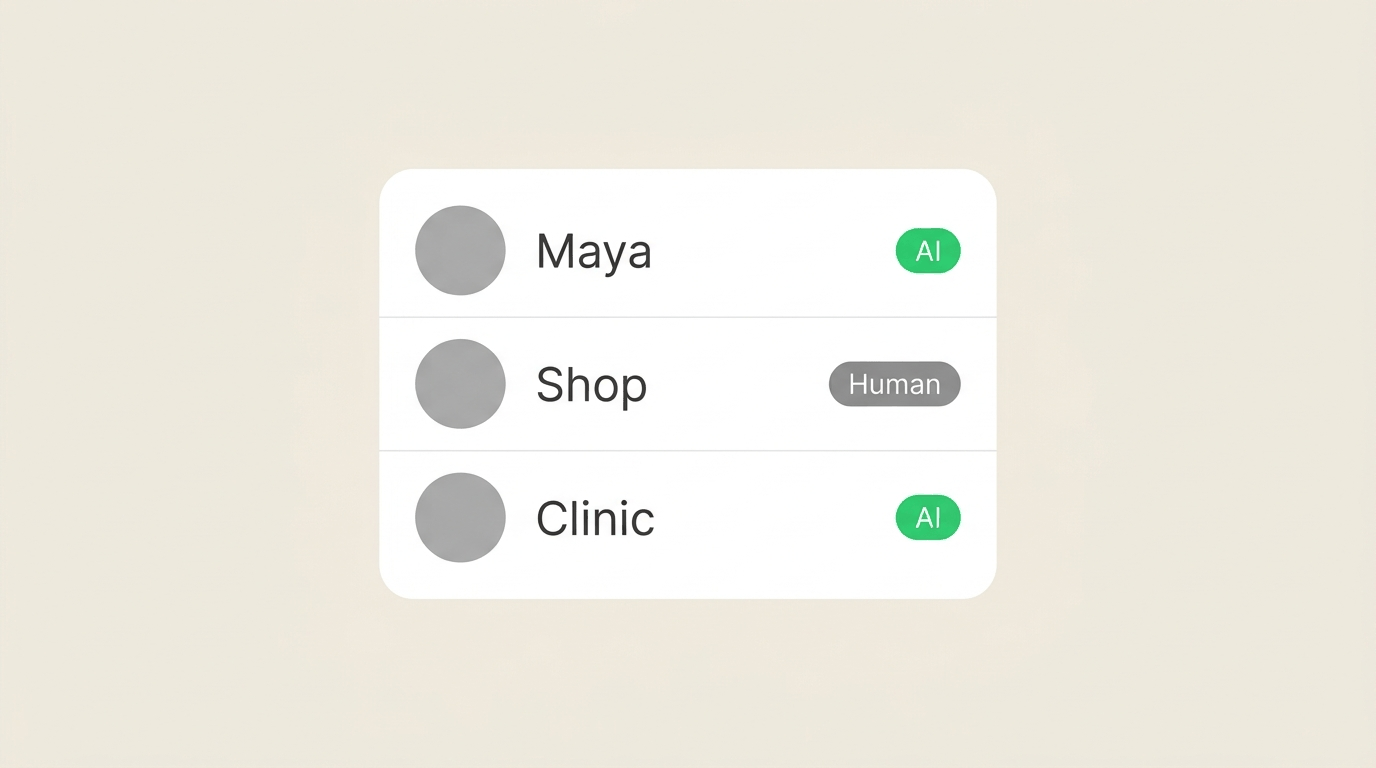
See AI and human on every row
The list shows who is talking: the agent, or someone on your team. No more “I thought you had this one.”
- Status on every conversation
- Filter the chats that still need a person
- One WhatsApp number for the whole desk
Who shares the inbox
Built for desks, not just solo inboxes
If more than one person should touch WhatsApp, split the work with agents — not extra SIMs.
Sales
Qualify inbound, send the brochure, book the call. Humans close.
Support
Hours, tracking, FAQs — then escalate the angry ones.
Ops
Pickup ready, “we’re on the way,” and appointment reminders.
Franchise / multi-site
Same playbook on every location number, without cloning staff.
Agencies
Run client WhatsApp inboxes without living in each personal phone.
Founders still on the number
Keep the brand chat. Stop being the night shift.
Show us how your team chats today.
A free demo on your (or our) WhatsApp, or start a trial and invite the desk.