WhatsBuddy
One developer account. Every company you run.
Create companies, manage their users, impersonate the inbox. Bring your own proxy and AI provider token. REST, CLI, and MCP stay scoped to each company.
POST /api/messages

{
  "message": "Good weekend",
  "recipient": "+1 212 555 0123",
  "repeat": "every week on friday"
}
Many companies, one login
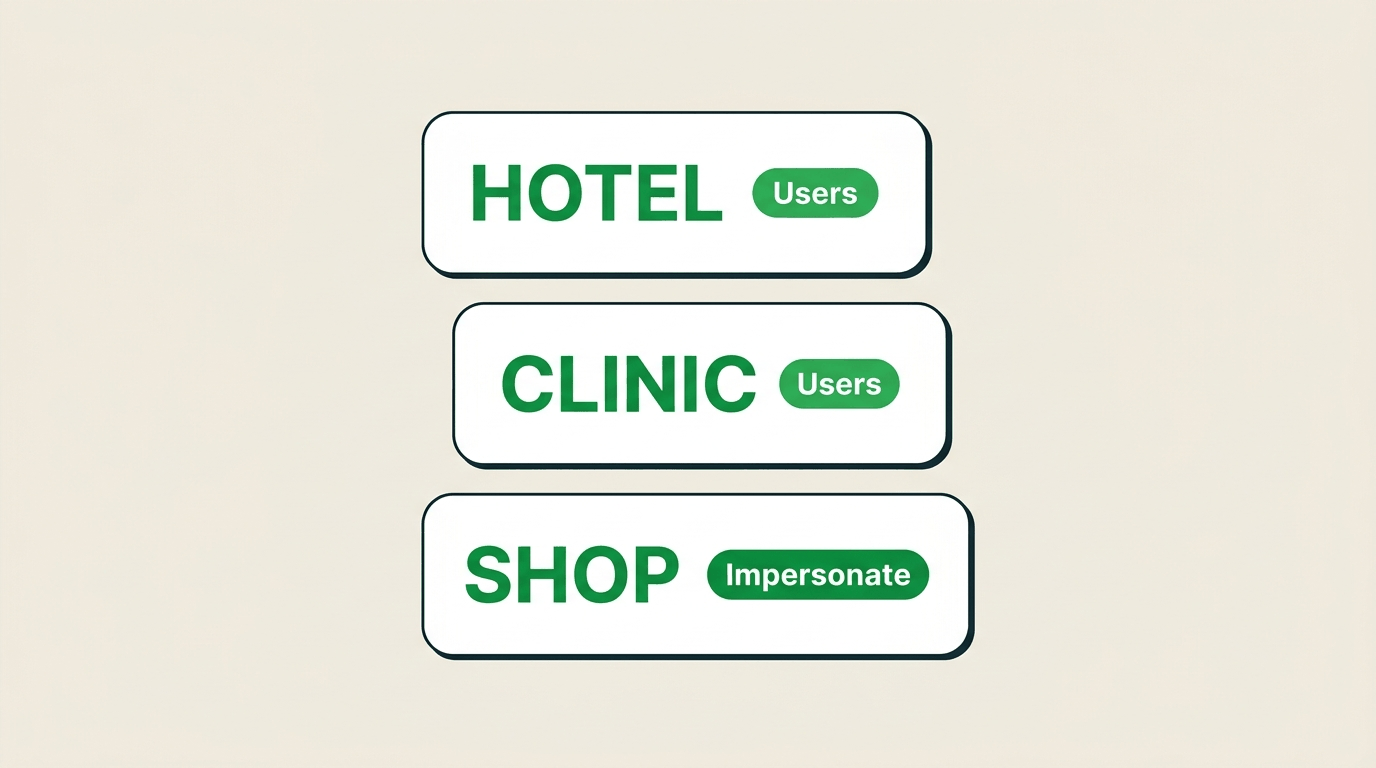
A developer account owns the roster. Create companies, keep each inbox and token separate.
Users, then impersonate
Add the people who run each company. Open /app as them when you need to see the inbox they see.
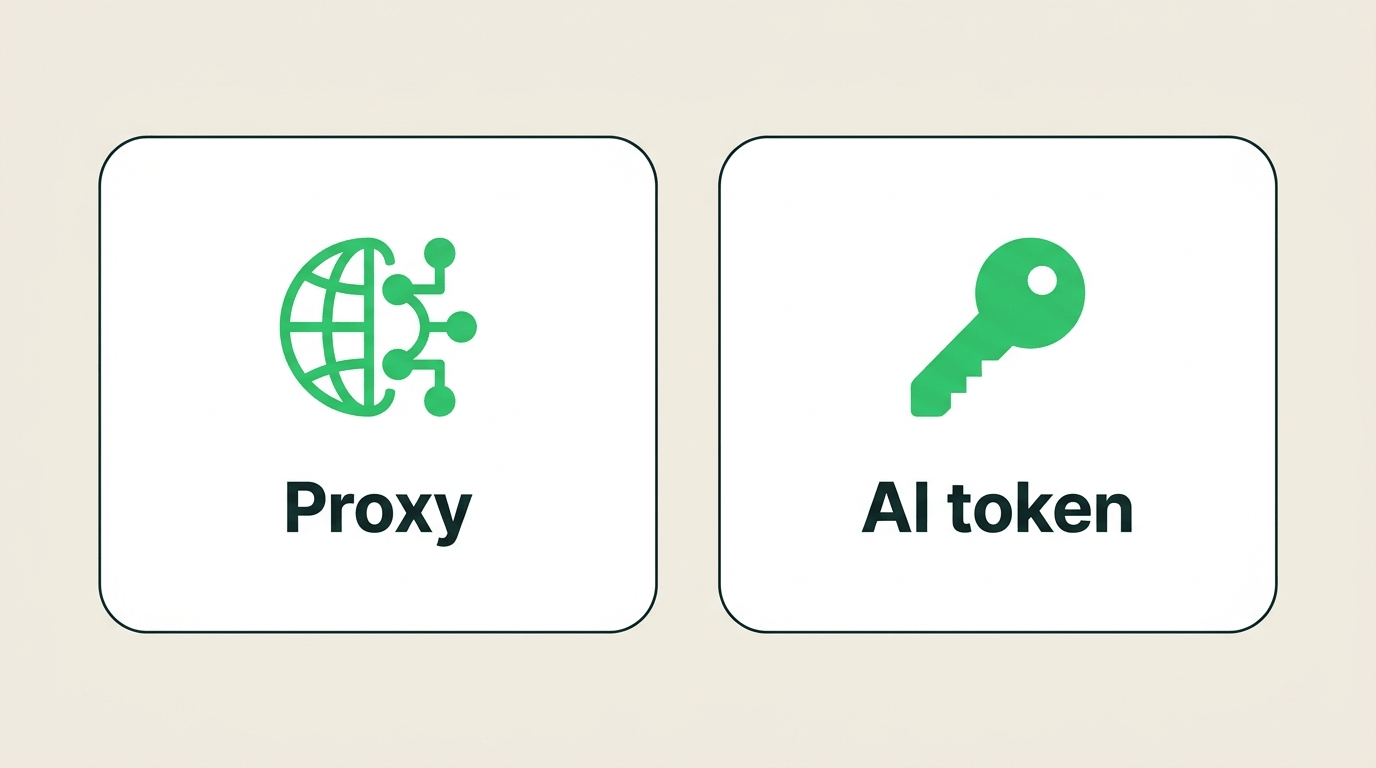
Your proxy, your AI token
Bring your own proxy for WhatsApp sessions and your own AI provider token for agents. You keep the keys.
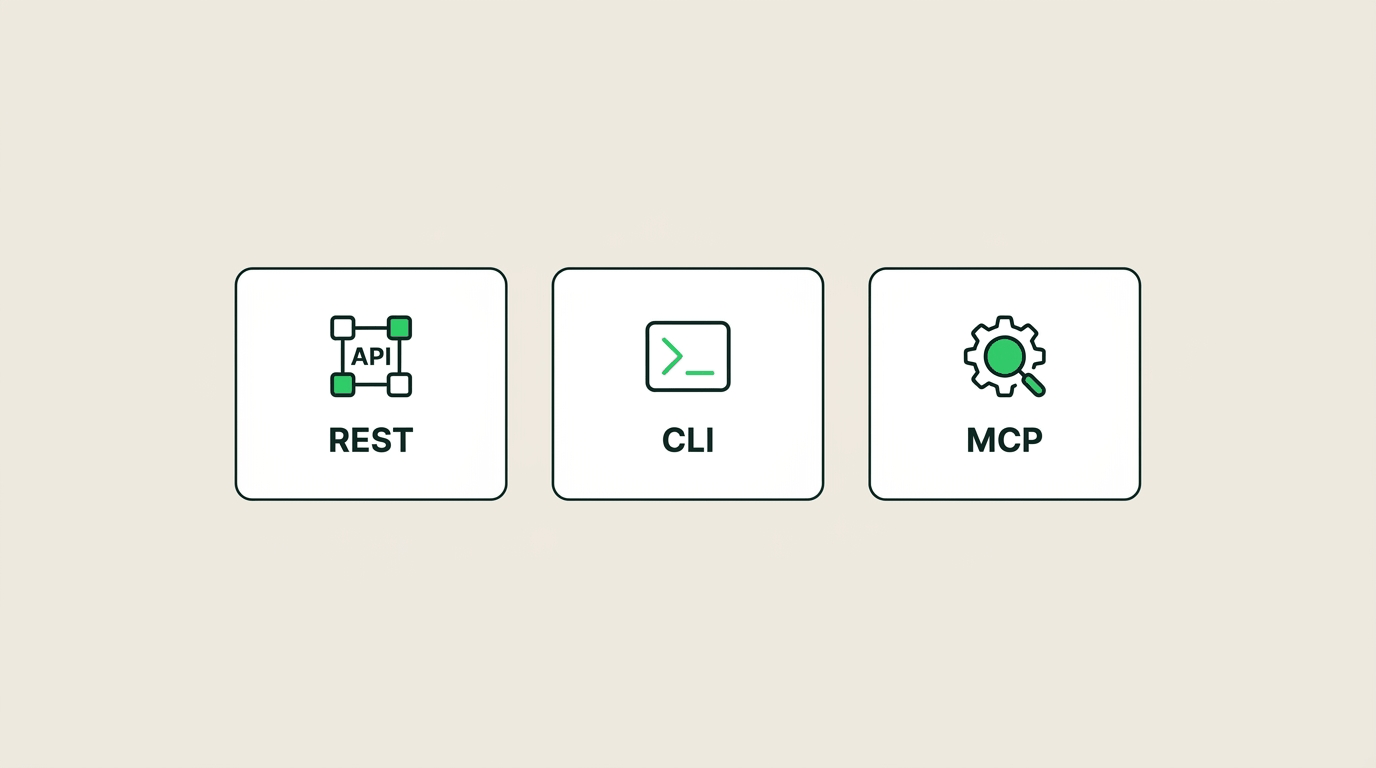
APIs stay company-scoped
REST, CLI, MCP, and the PA agent still use that company’s token — not a global super-admin key.
Operator
Companies, users, impersonate
One developer login for every company you run. Create the company, add its users, then impersonate when you need the real inbox.
- Many companies on one developer account
- Create and update that company’s users
- Impersonate to open /app as them
Infrastructure
Bring your own proxy and AI token
Solid defaults if you want them — and a clean path to run your own. WhatsApp sessions use your proxy. Agents use your AI provider token.
- Your proxy on every WhatsApp line
- Your AI provider token for agents
- Keys stay with you, not in a shared pool
Surfaces
REST, CLI, and MCP — per company
Scripts, internal tools, and agent clients use that company’s token. Rotate it in company settings. Never return tokens on GET settings.
- Accounts, chats, messages, schedules, collections
- `whatsbuddy` in the terminal for dumps and ops
- MCP tools for clients that speak the protocol
Start here
Account, companies, then APIs.
The developer login is the operator. Each company keeps its own token.
Developer account
Create the account — then add companies and users.
Impersonate
Open /app as a company user when you need the inbox they see.
REST / CLI / MCP
API reference — Bearer rest_api_token per company.
Operate the roster. Keep each company’s keys on that company.
Developer account for many companies — or a company trial if you are wiring one inbox.